C#
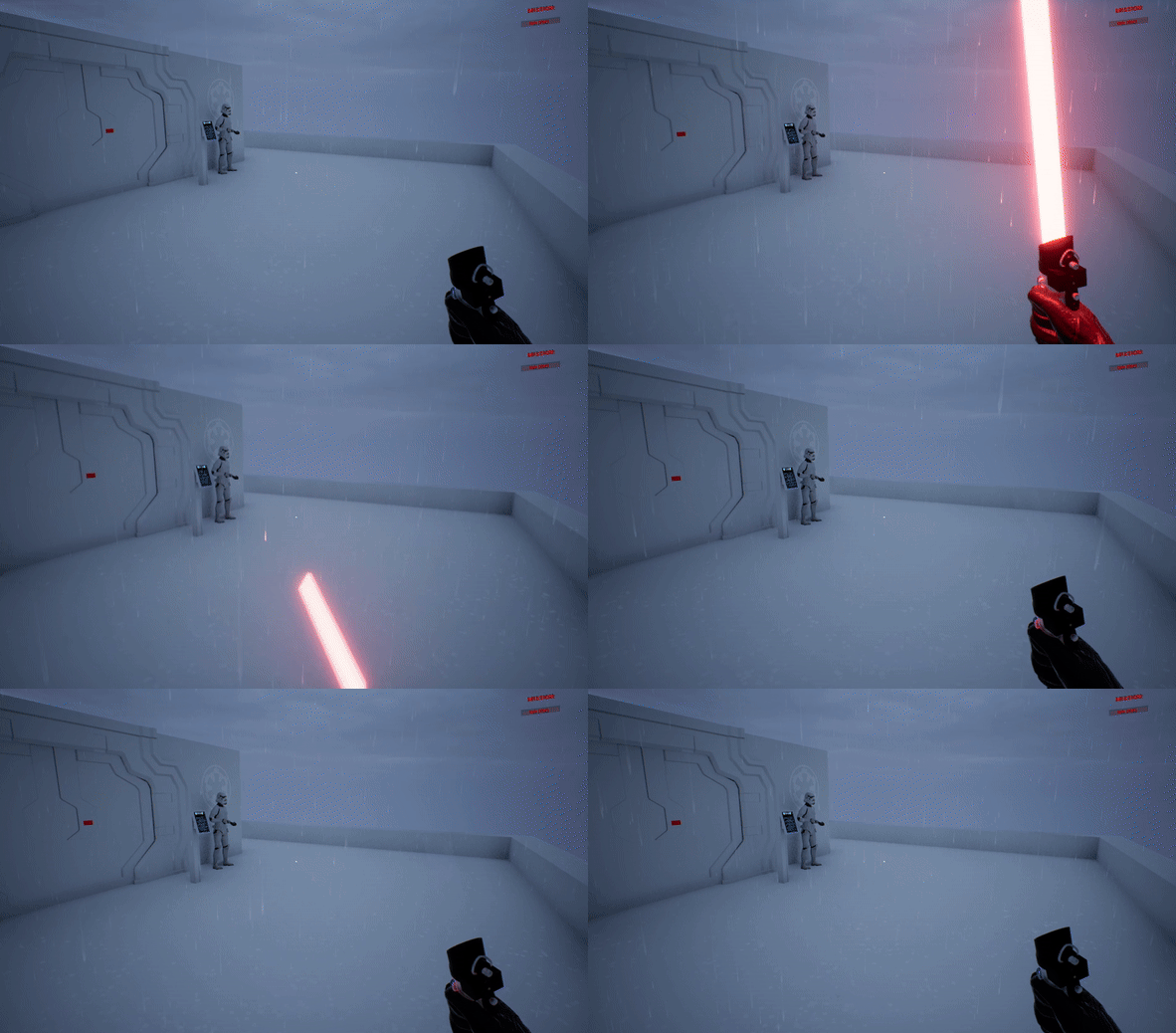
A custom low-level command-line interface(CLI) operating system built in C# using the COSMOS framework.
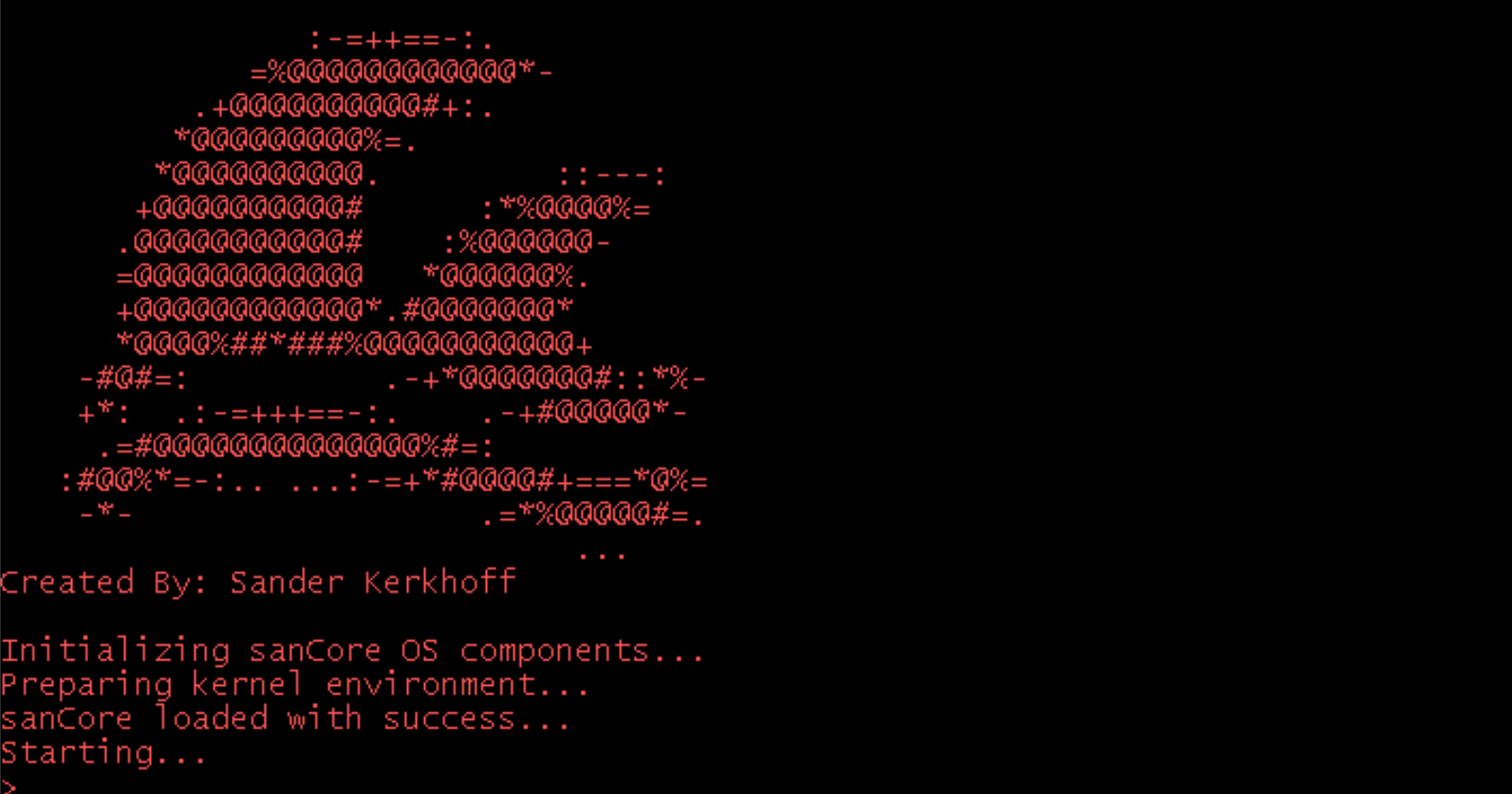
Kernel.cs
This script is the entry point for the Operating System. It is responsible for initializing the primary boot process.
Solar Hell is a fast-paced sci-fi bullet hell action game built using the MonoGame framework.
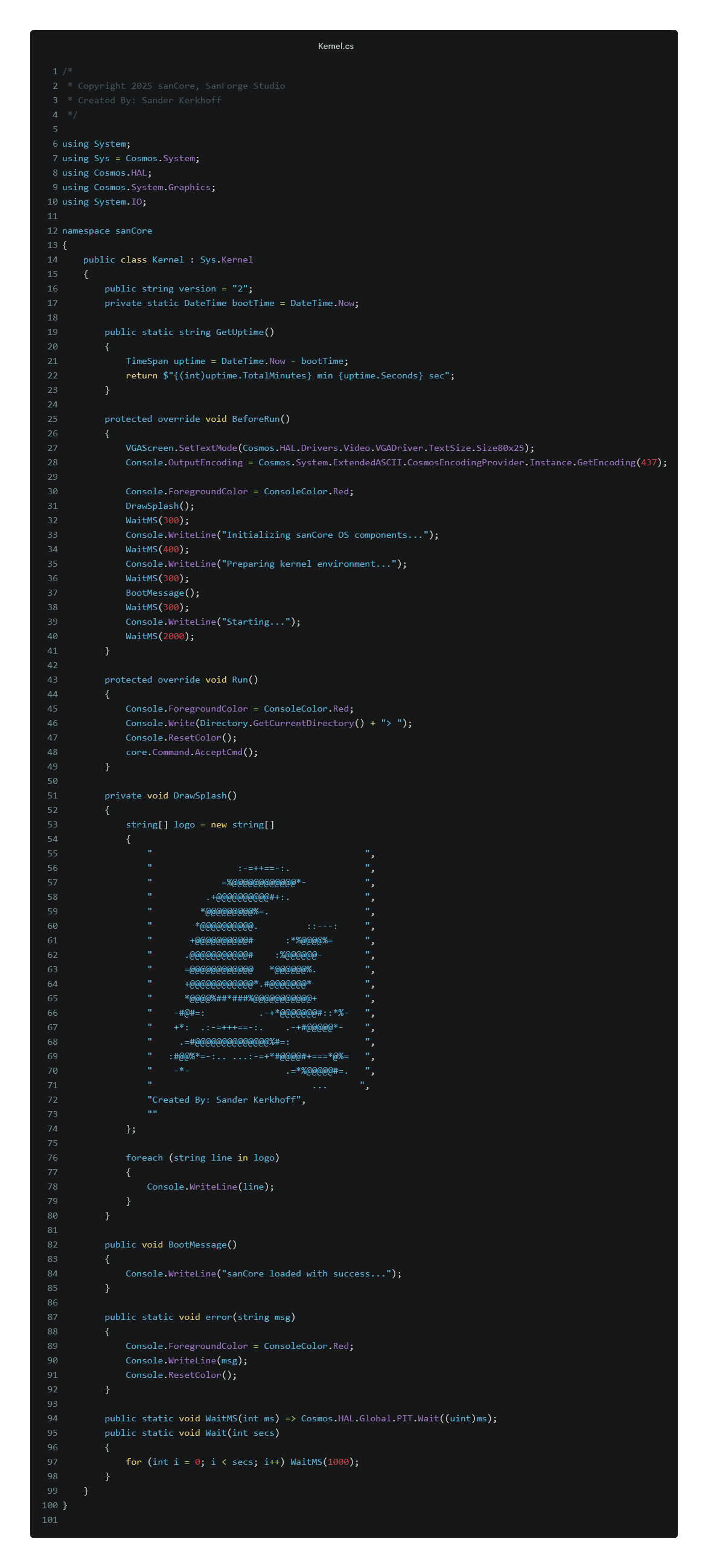
StartupDialogue.cs
This script controls the game's opening dialogue logic. It defines the behavior for displaying introductory text and managing user input before transitioning into gameplay. The system supports state handling for interactive prompts and fade effects for immersive storytelling at game start.
A narrative-driven Unity game project about a astronaut and colossal worm.
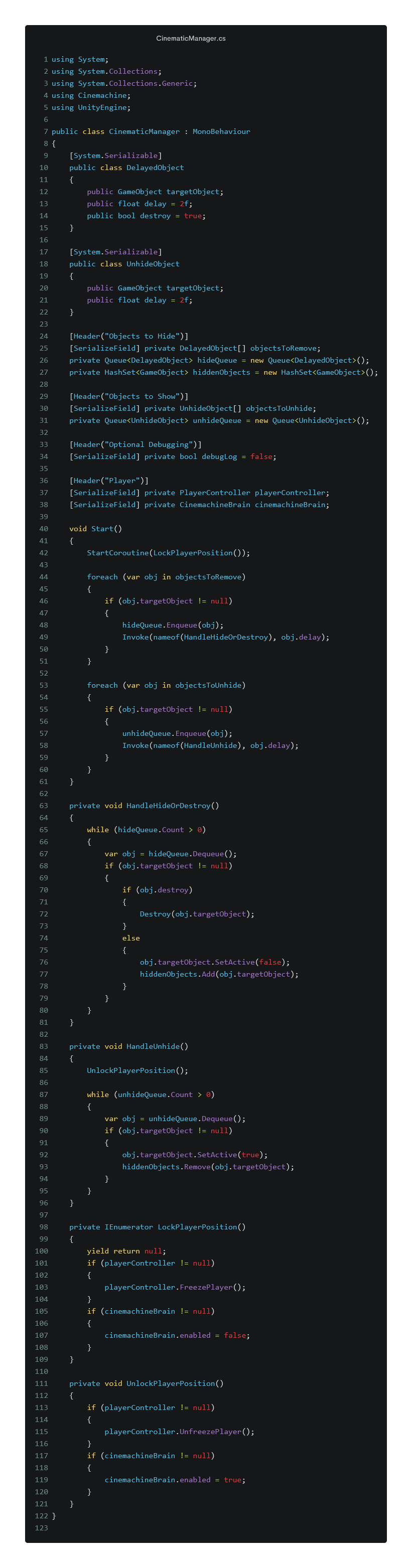
CinematicManager.cs
This script controls in-game cinematic sequences using Unity's Timeline system. It disables player input during cutscenes, it can enable or disable level objects, and triggers custom events such as character animations or dialogue. In WORLD EATER. Its modular design allows timelines to be reused across scenes and tied to specific triggers or game logic.

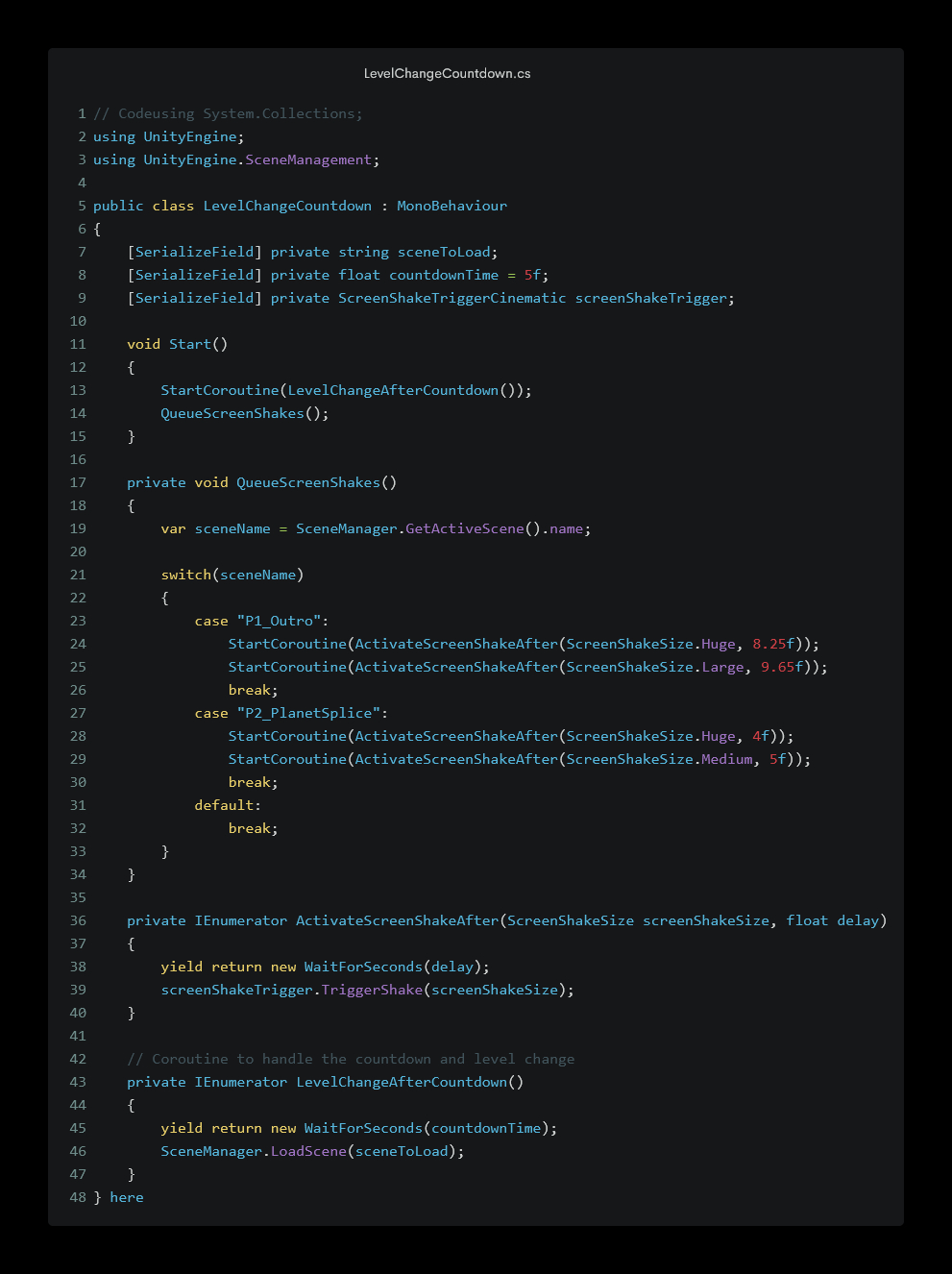
LevelChangeCountdown.cs
This script handles timed transitions between levels. When the level is about to change (after a boss fight or objective), this script shows a countdown timer on screen and disables player input. Once the countdown finishes, it triggers the scene loading process. The code ensures players are given a moment to prepare or reflect before continuing to the next phase.
An immersive VR training simulation that teaches forensic procedures with a Drugslab it Tracks player movement, contamination, evidence interaction.
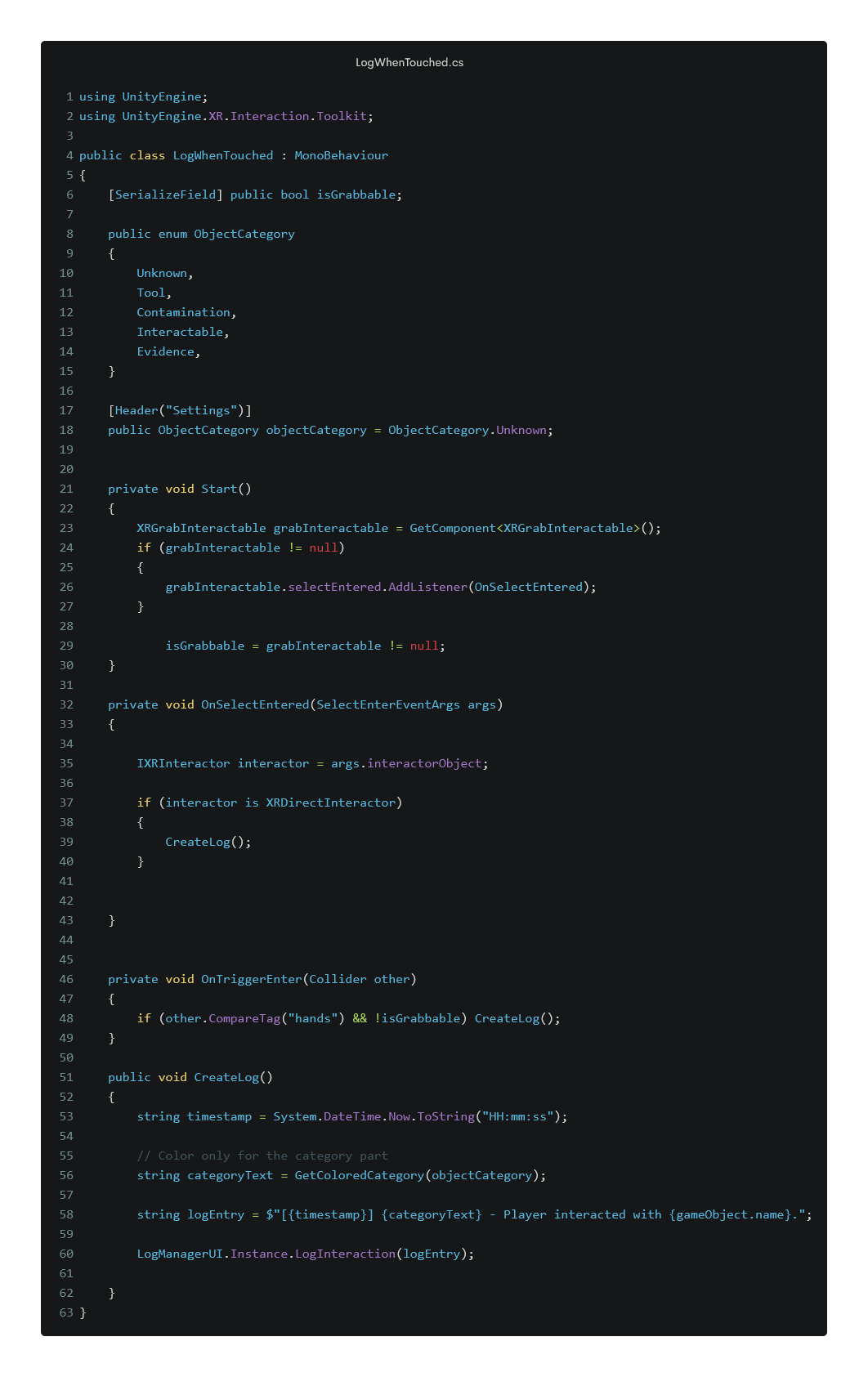
LogWhenTouched.cs
This script is used in VR Forensics Investigation. When the player touches specific objects (like evidence), this script logs detailed interaction info (timestamp, object type, contamination status) and pushes it to the investigation log UI. It's vital for training scenarios and helps visualize the chain of evidence.
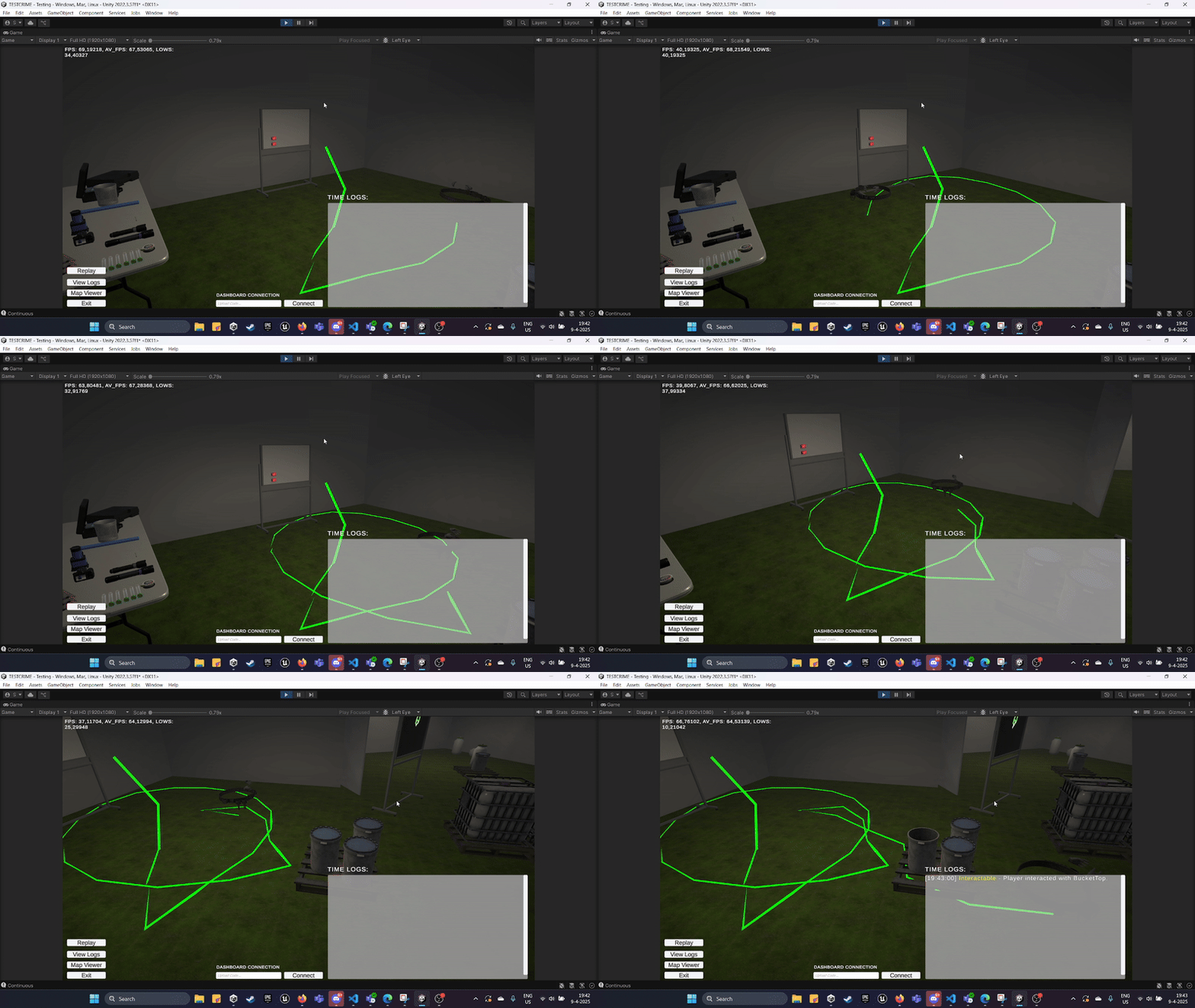
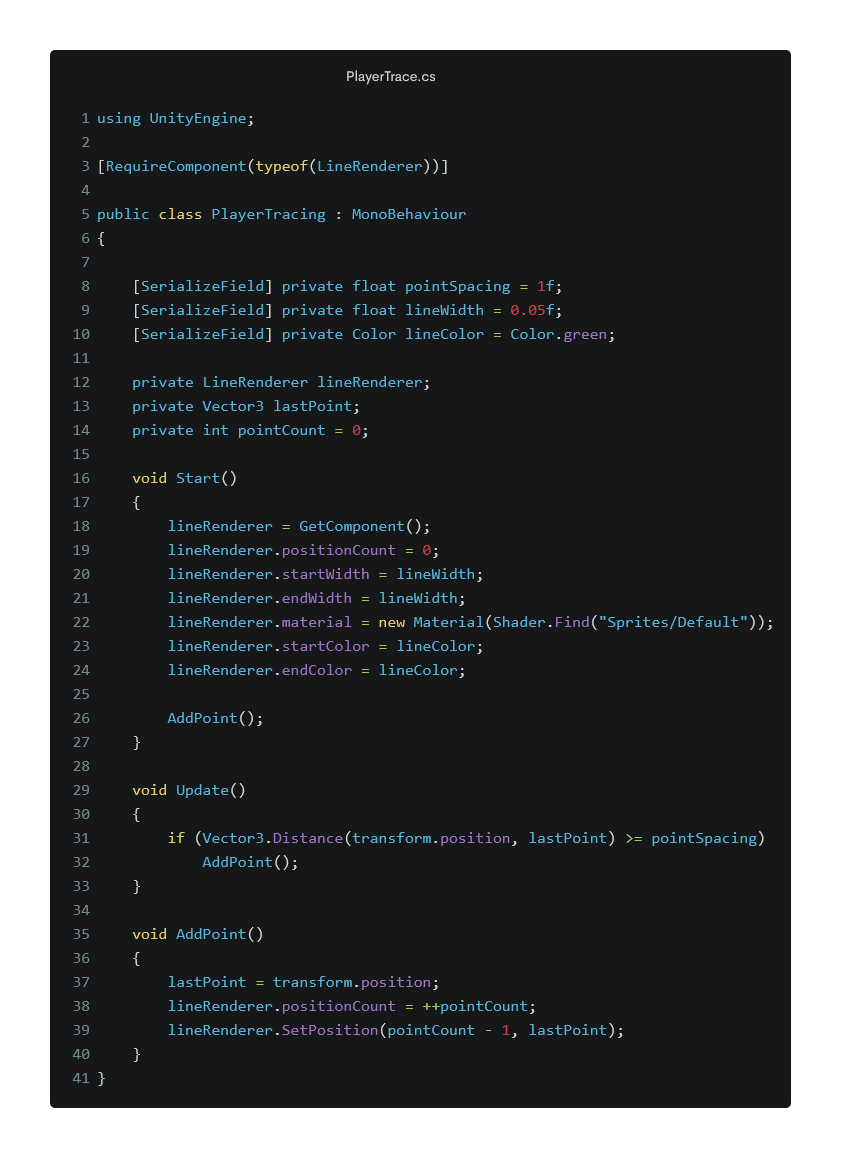
PlayerTrace.cs
This script tracks and visualizes player movement in a VR environment using Unity's LineRenderer. It draws a continuous line behind the player, giving visual feedback of their path. This is especially useful in forensics and training applications to audit movement in relation to interactive zones or hazards. It is ideal for data replay.
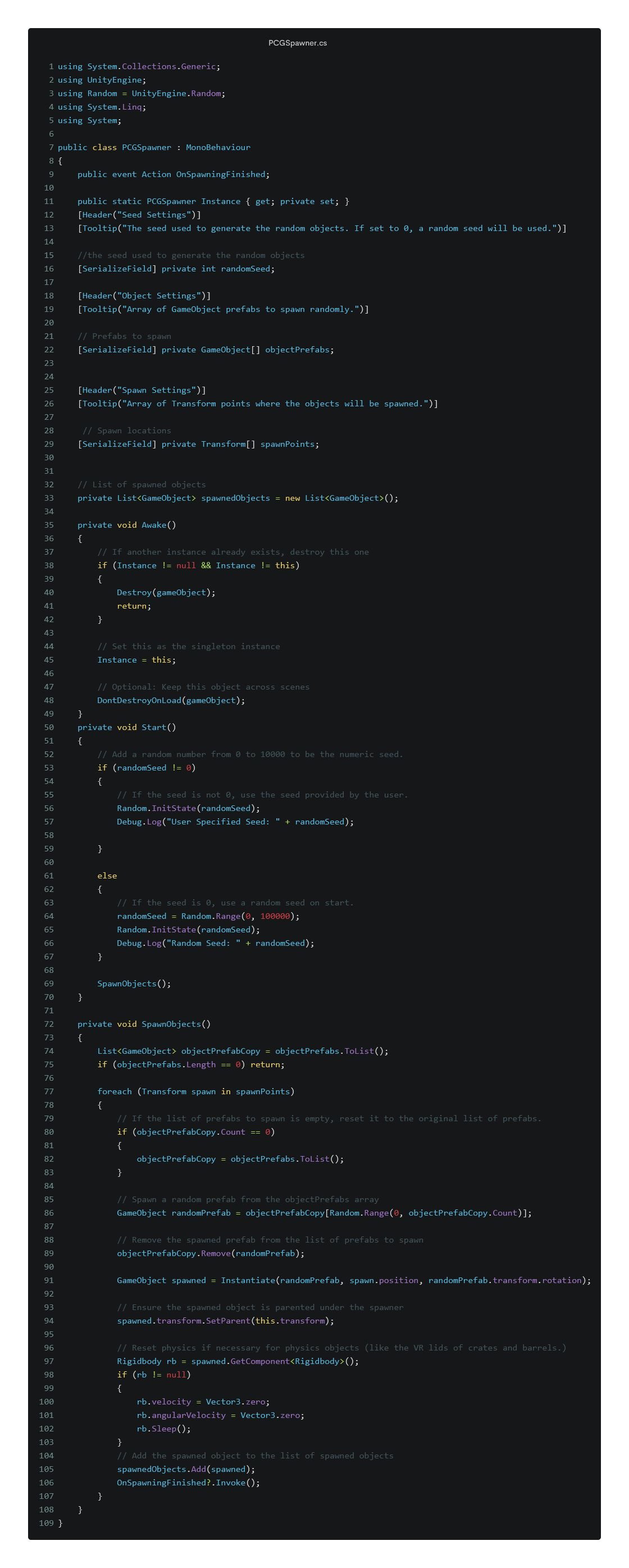
PCGSpawner.cs
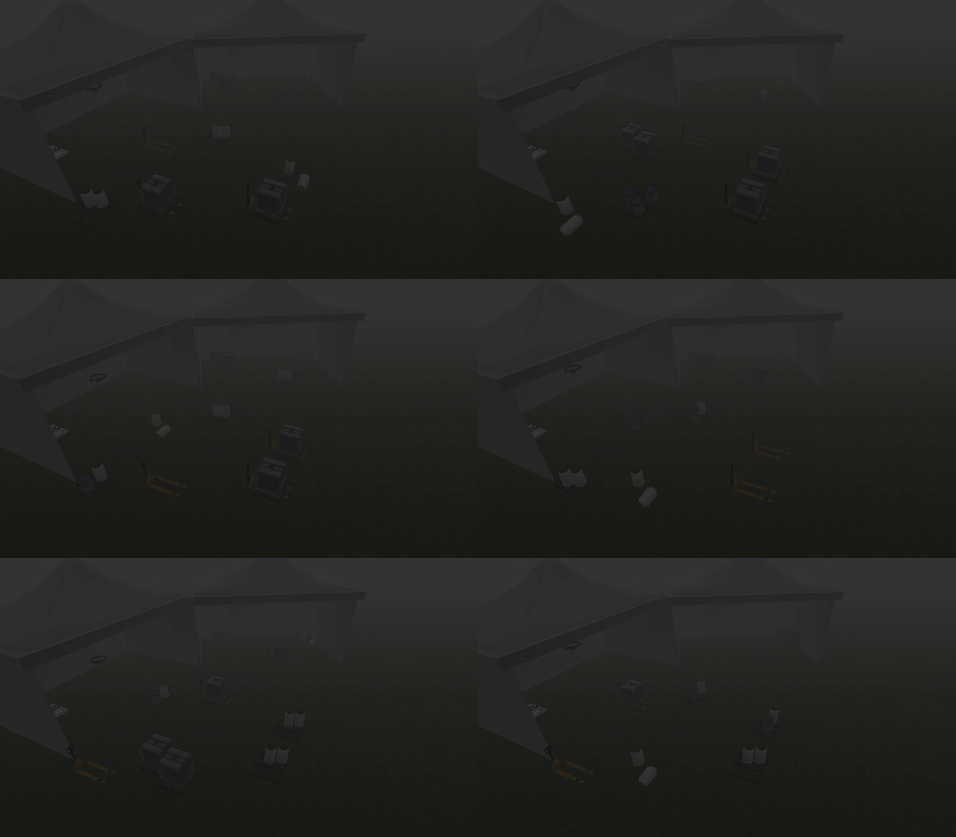
This script spawns objects based on a random seed value. This makes scenes reproducible and enables randomized layouts for gameplay variety. The script allows tweaking object types through editor exposed settings.
C++
A sci-fi Battlestar Galactica prototype built in Unreal Engine featuring space combat mechanics.
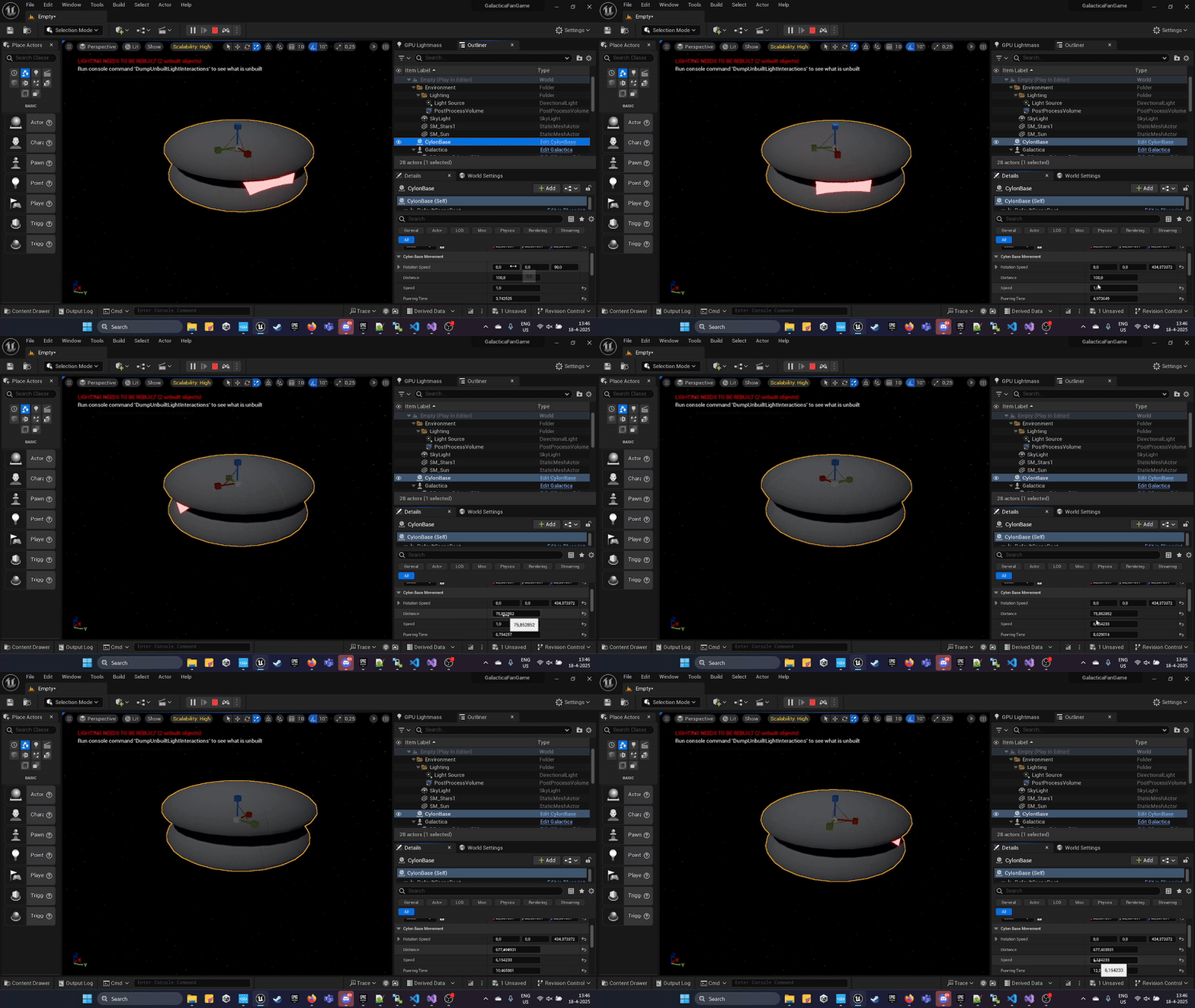
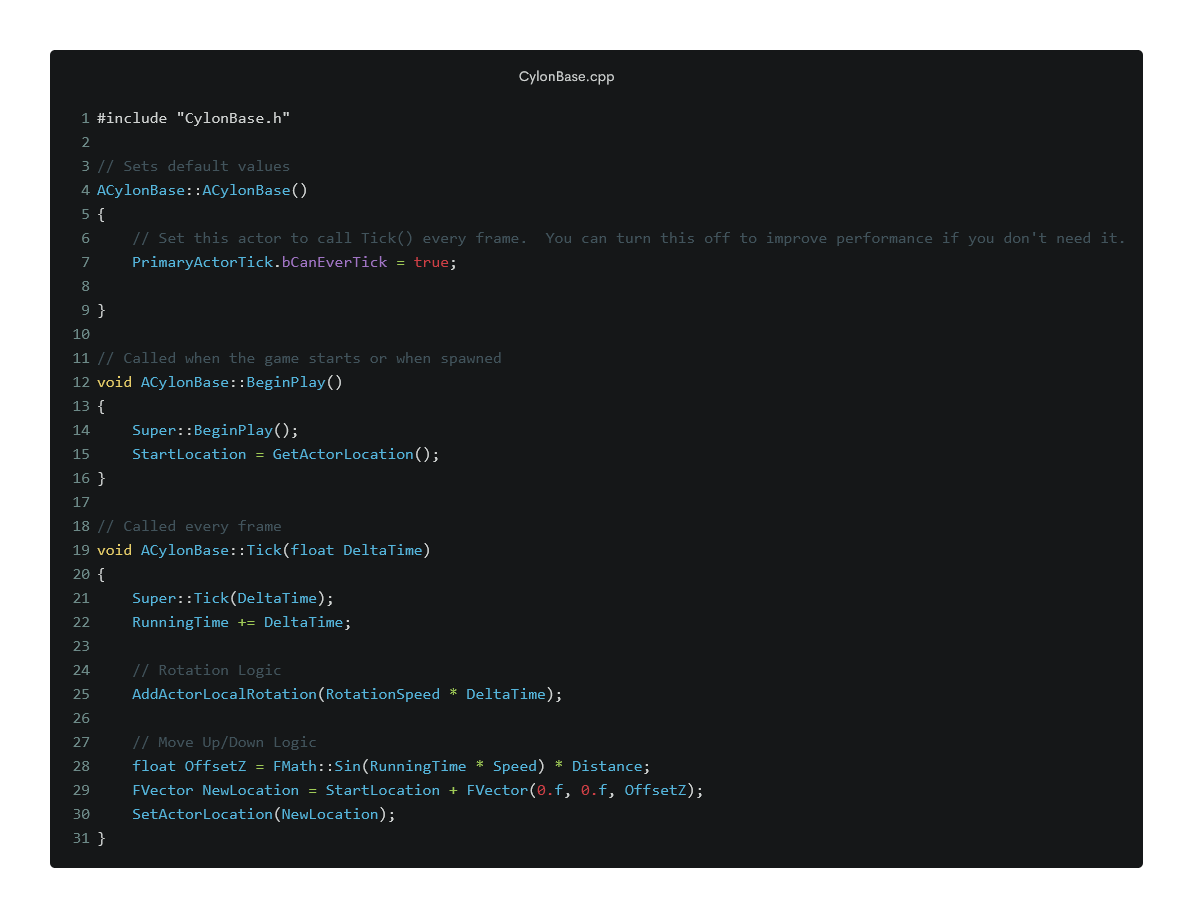
CylonBase.cpp
This Unreal Engine C++ component controls the movement logic of a Cylon base object in space. It creates a dynamic hover effect by oscillating vertically and slowly rotating the mesh over time. It adds life and subtle movement to large-scale game entities, such as space stations. This code uses tick-based updates and configurable parameters like speed and amplitude for easy tuning.
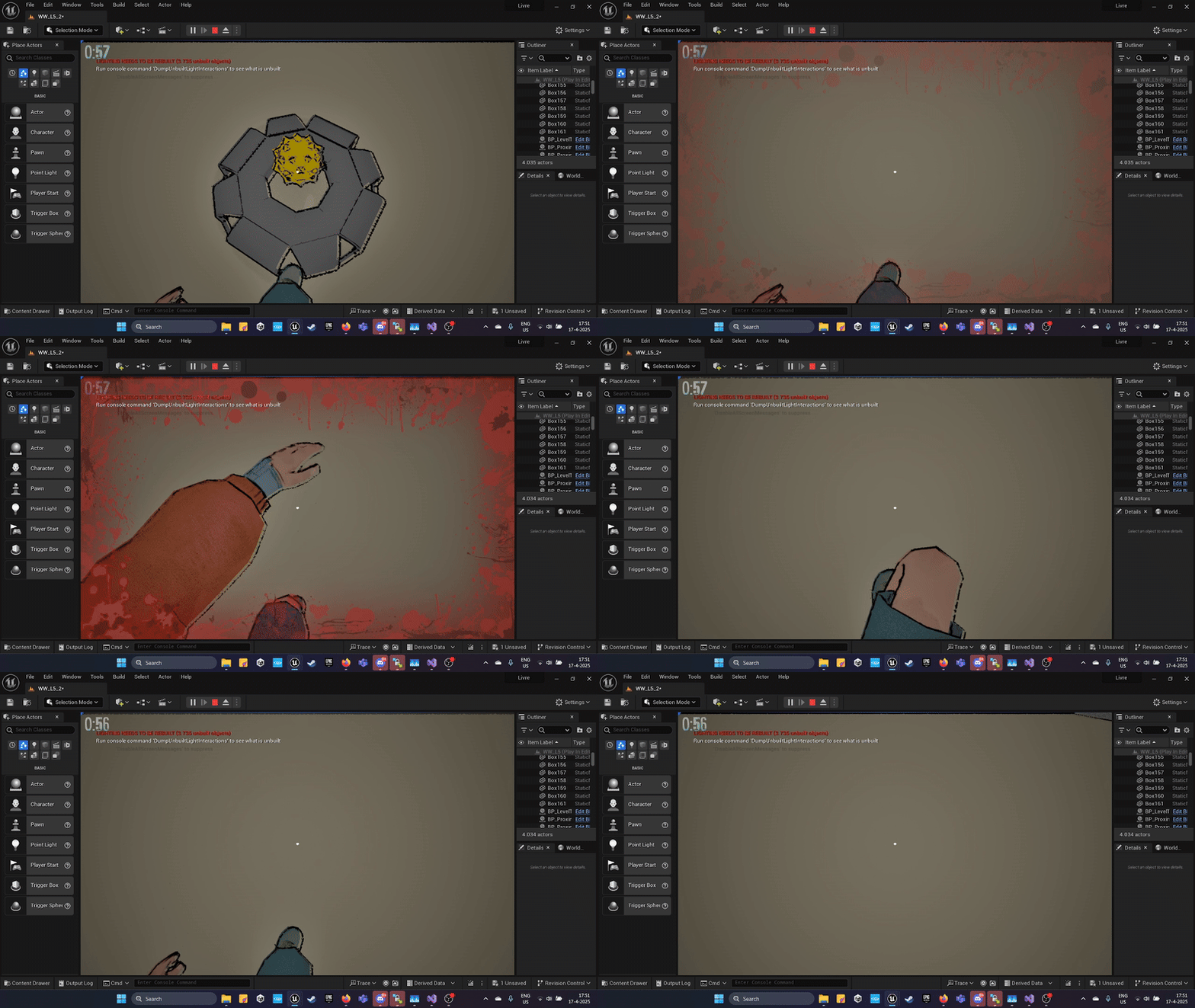
A Cancelled Unreal Engine parkour game with traps, mines and environmental storytelling.
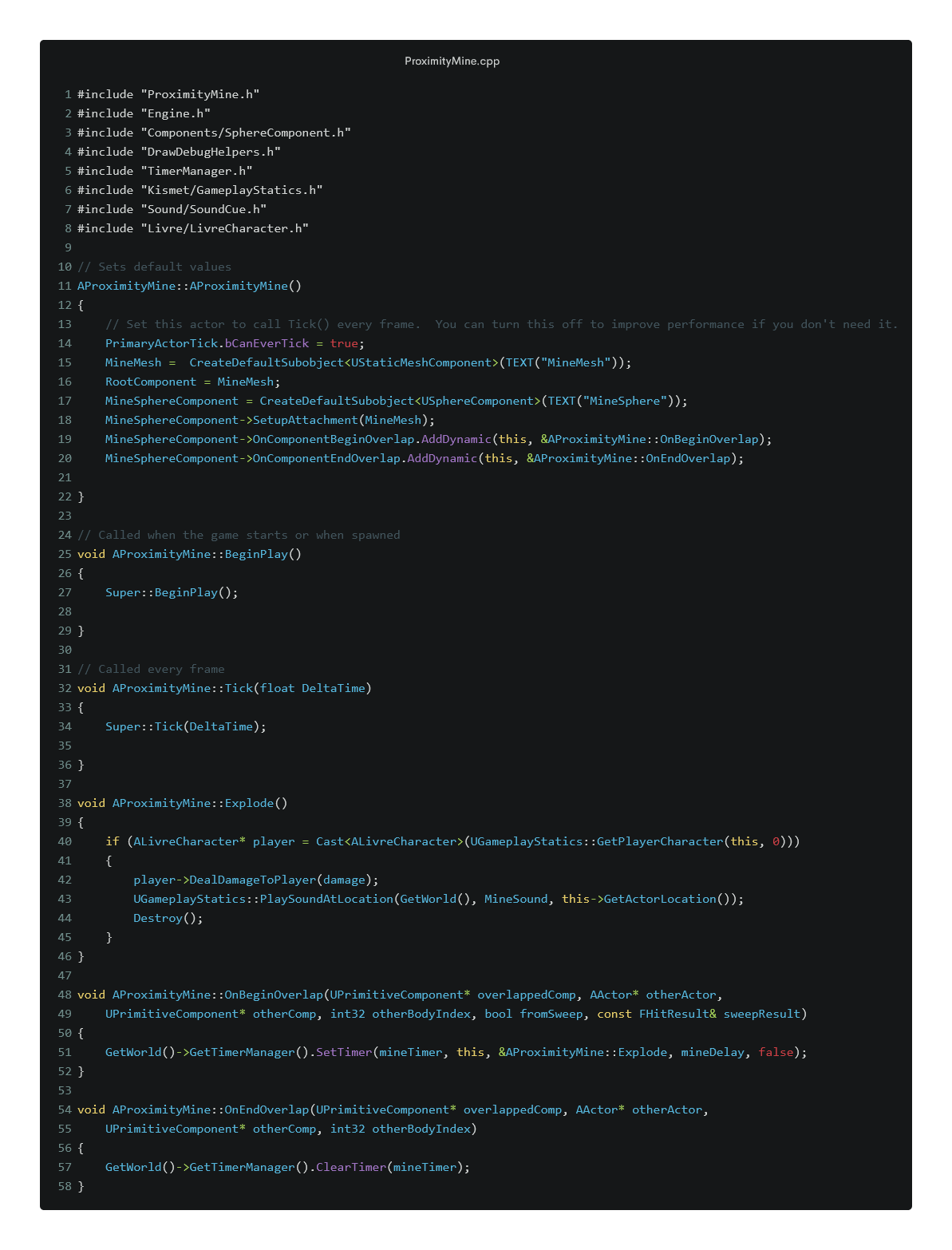
ProximityMine.cpp
This C++ actor defines a proximity-based explosive device. When a player or enemy enters its detection radius, it triggers a delayed explosion that applies damage and plays visual/audio effects. It includes logic for activation cooldowns and self-destruction. Used in Livre, it adds environmental hazards and stealth challenge opportunities. The system is modular and can be adapted for traps, alarms, or even decoys.
ProximityMine.cpp
My custom-built C++ game engine. It uses OpenGL and features a modular renderer system with state masking, frustum culling, and Lua scripting support. The engine includes a lightweight transform and render component architecture, and was developed across 8 years.
Frustum
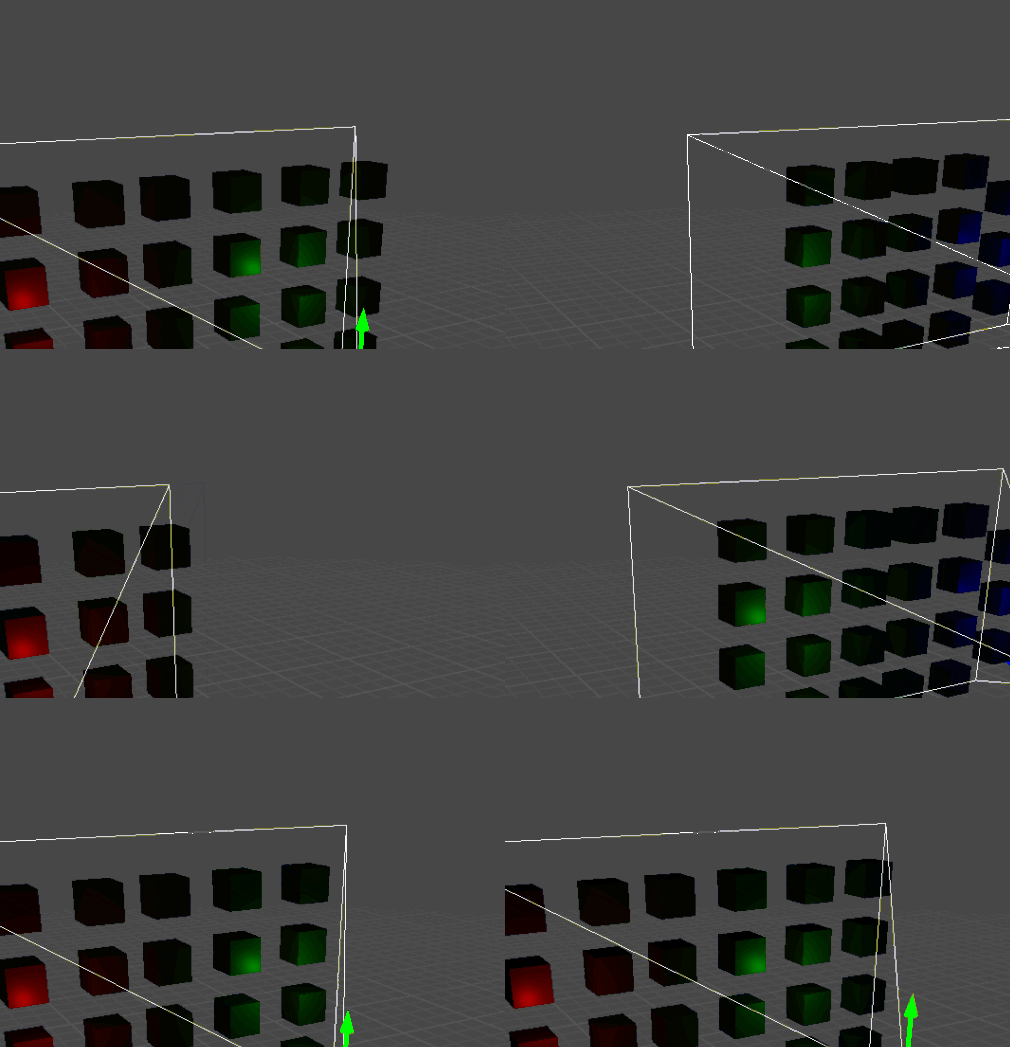
This core rendering utility is responsible for view frustum culling in the KZX Engine. It extracts the camera's frustum planes from the view-projection matrix and normalizes them for fast spatial queries. It includes logic to test whether a point, sphere, or bounding box is inside the camera’s visible space—drastically improving rendering performance by skipping non-visible objects. The frustum class plays a vital role in optimizing scene rendering, reducing GPU load, and enabling scalable worlds in both large and modular scenes.
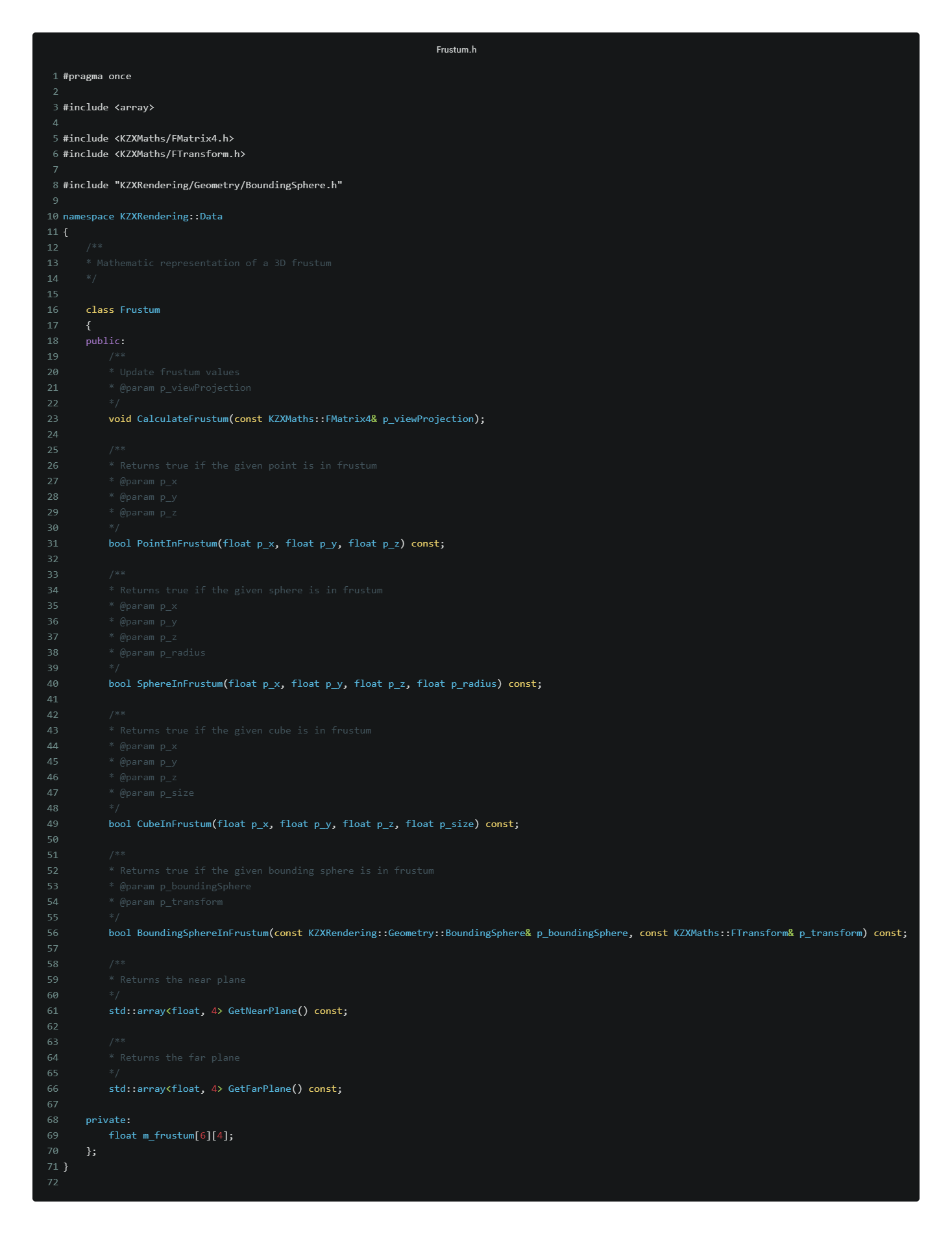
Frustum.h
The Header file contains the class declaration, including methods like CalculateFrustum, PointInFrustum, and SphereInFrustum. It also includes helper utilities to retrieve near and far plane equations, and it relies on KZXMaths types such as FMatrix4 and FTransform.
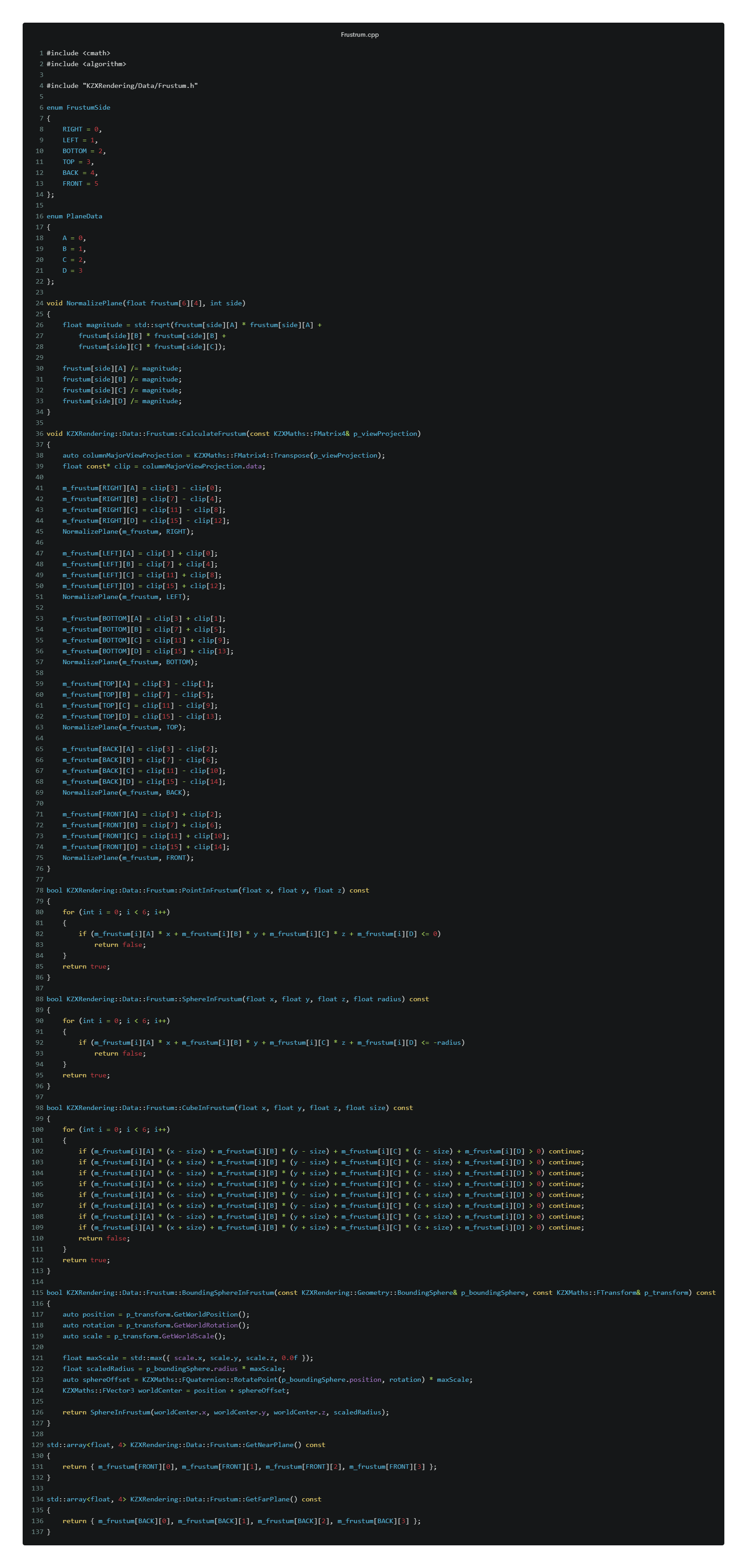
Frustum.cpp
Frustum.cpp implements all the core logic. It extracts and normalizes six planes (left, right, top, bottom, front, back) from the camera matrix and uses them to test geometry visibility. Methods like CubeInFrustum loop over corners of an AABB to check whether it lies inside or outside the visible frustum. It also handles transforming bounding spheres using scaling and rotation before evaluating them against the frustum.
OpenGL Driver
This component initializes and manages the OpenGL context used by the KZX Engine. It configures essential GPU settings and provides debugging support during development. The Driver class is responsible for setting the rendering pipeline’s base state, enabling alpha blending, face culling, and registering OpenGL’s debug message callback system. It also serves as a flag for validating whether the engine successfully initialized the graphics backend.
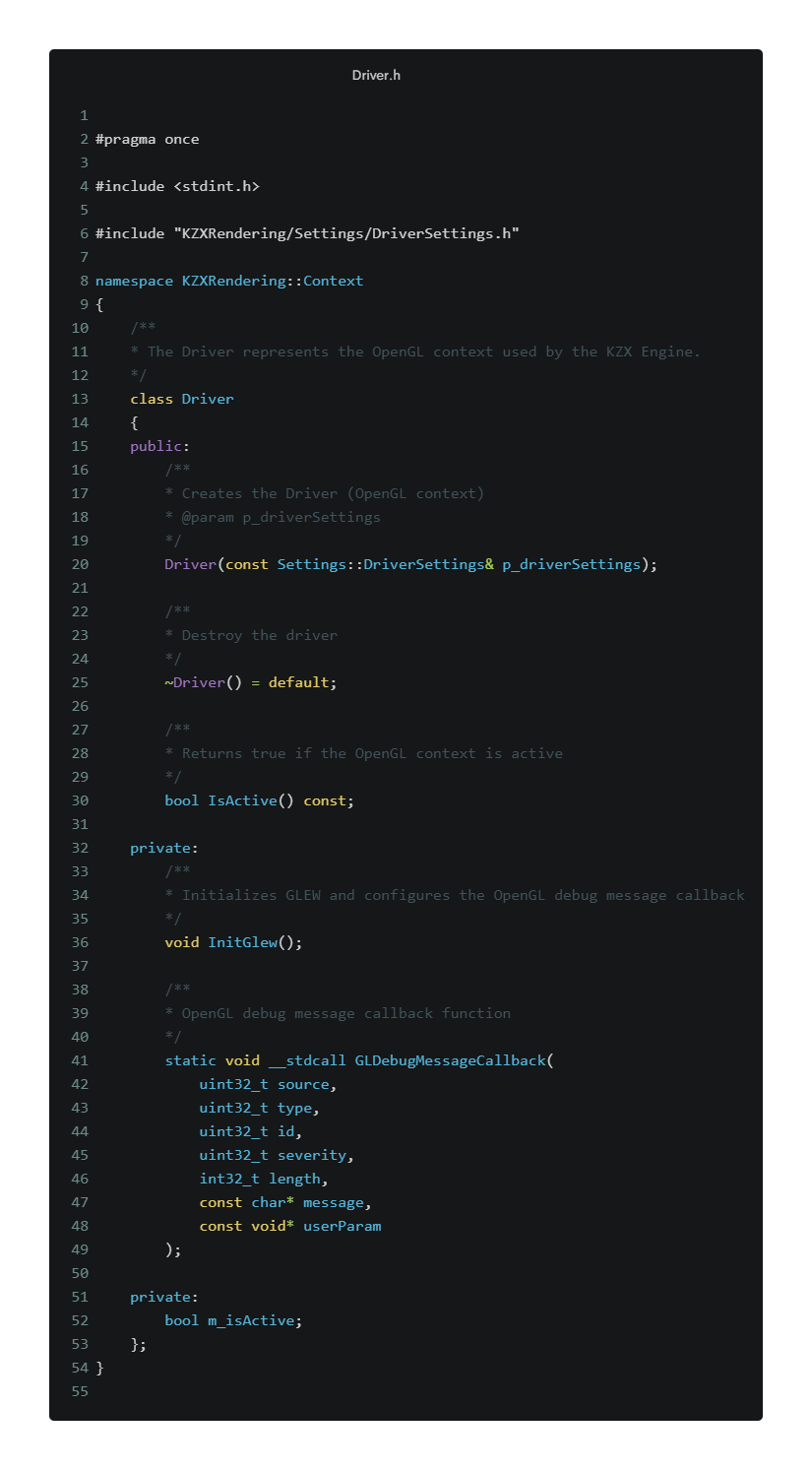
Driver.h
The header file declares the Driver class within the KZXRendering::Context namespace. It includes a constructor that accepts engine-level driver settings, a public method to check if the driver is active, and a private method InitGlew() to initialize GLEW. It also includes a static OpenGL debug callback to log errors and performance hints from the GPU.
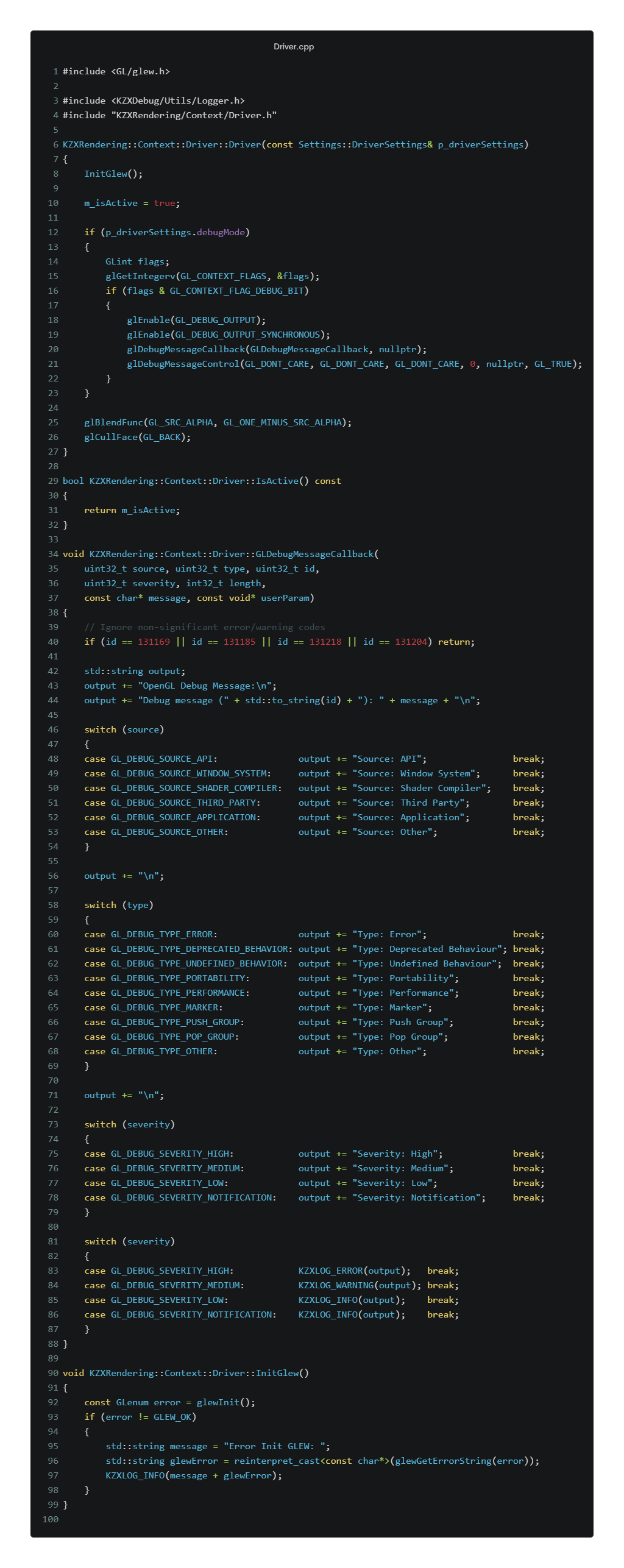
Driver.cpp
Driver.cpp contains the implementation. It calls InitGlew() to initialize the OpenGL Extension Wrangler(GLEW), activates the OpenGL context, and optionally enables GPU debugging if the debugMode flag is set. The callback function GLDebugMessageCallback is used to categorize and log errors, warnings, and performance tips from OpenGL in real-time using the KZX logging system.
Unreal Engine Blueprints
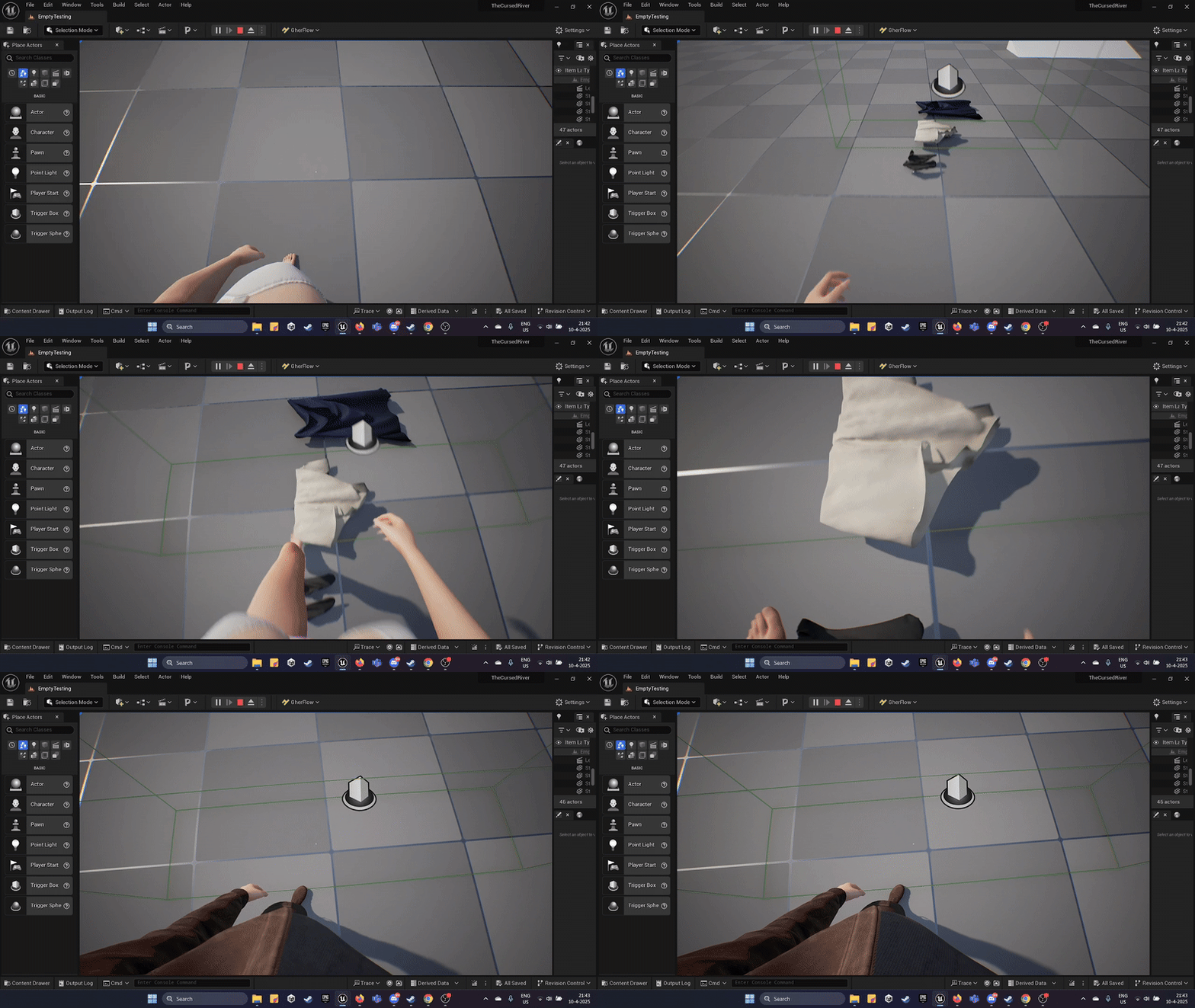
Clothing Changer
This Blueprint dynamically changes a character’s modular clothing when entering a trigger zone. It activates an animation and then smoothly fades the current outfit out and swaps in a new one, supporting immersive customization systems or gameplay-based gear changes.
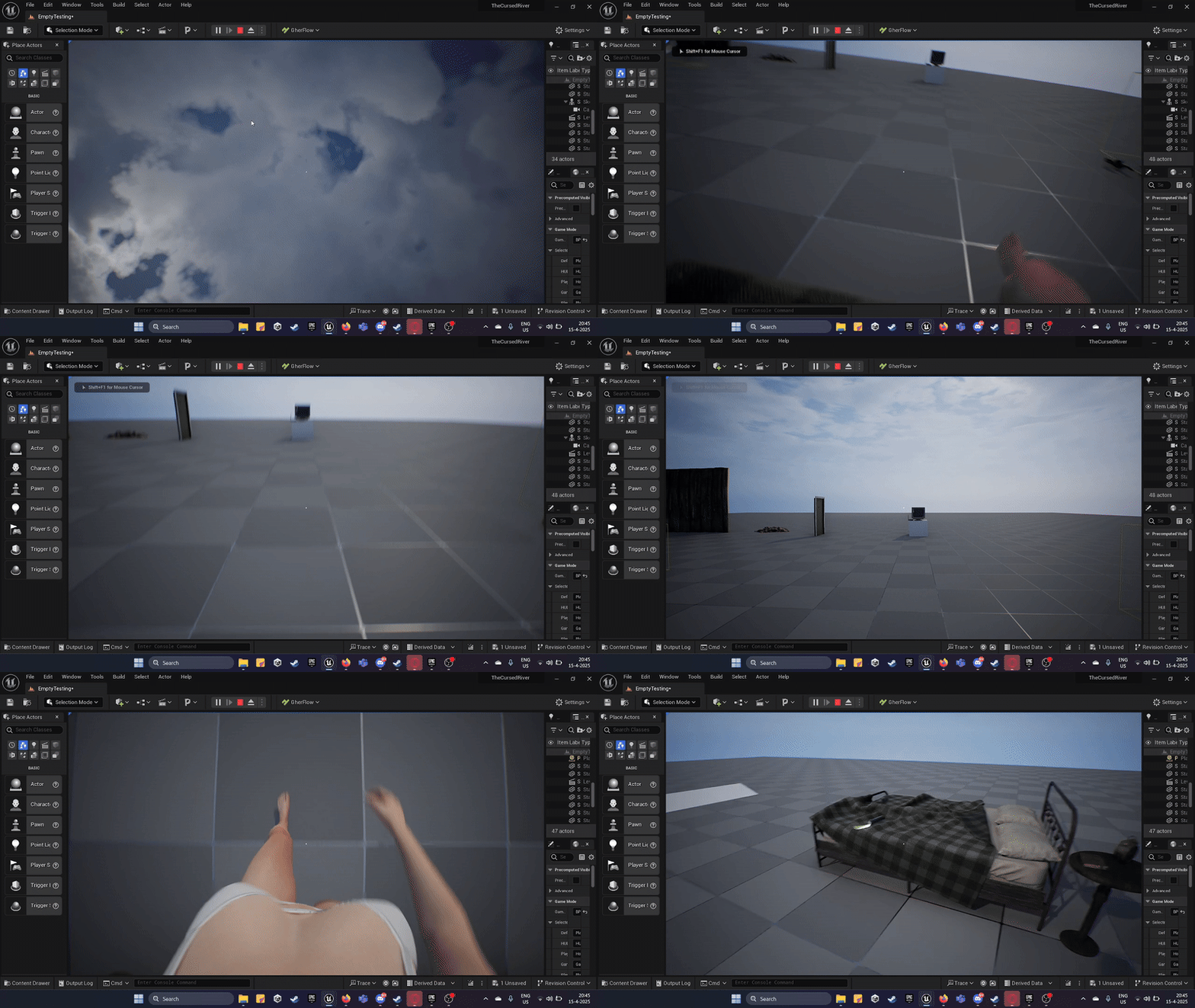
Wake Up Sequence
Triggers a scripted “wake up” animation at the start of the level. Often used in narrative scenes to ease the player into the world, especially in story-driven games. The camera fades in while the character regains control, setting the tone and anchoring the player in the environment. Inspired by games like Half-Life and Outlast.
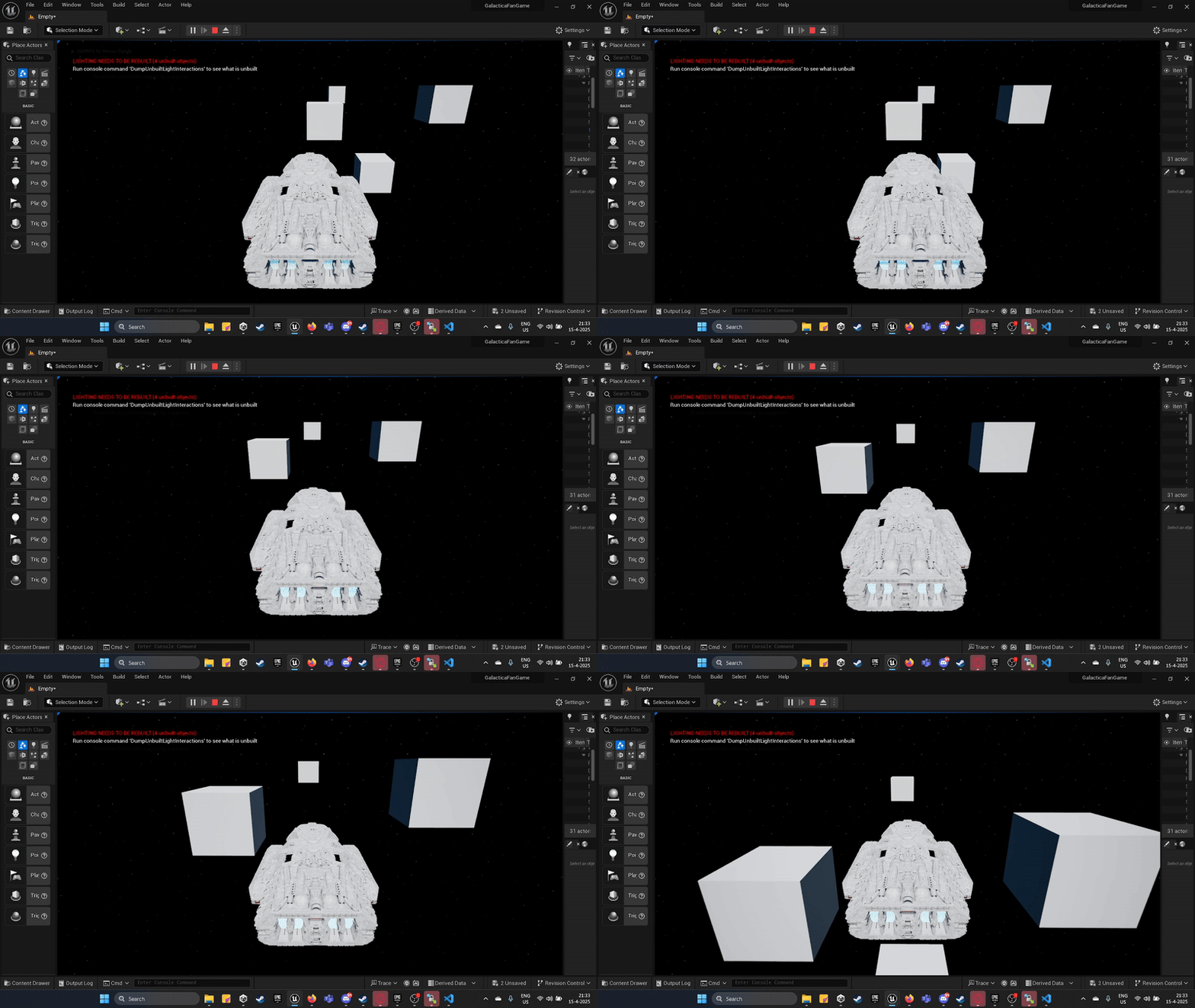
Spaceship Custom Movement System
Implements spaceship-style movement using physics forces rather than simple translation. This allows realistic inertia, drag, and multi-directional thrust. Ideal for zero-gravity gameplay, aerial dogfighting, or space exploration. Includes yaw, pitch, and roll control inputs and works seamlessly in first- or third-person setups.
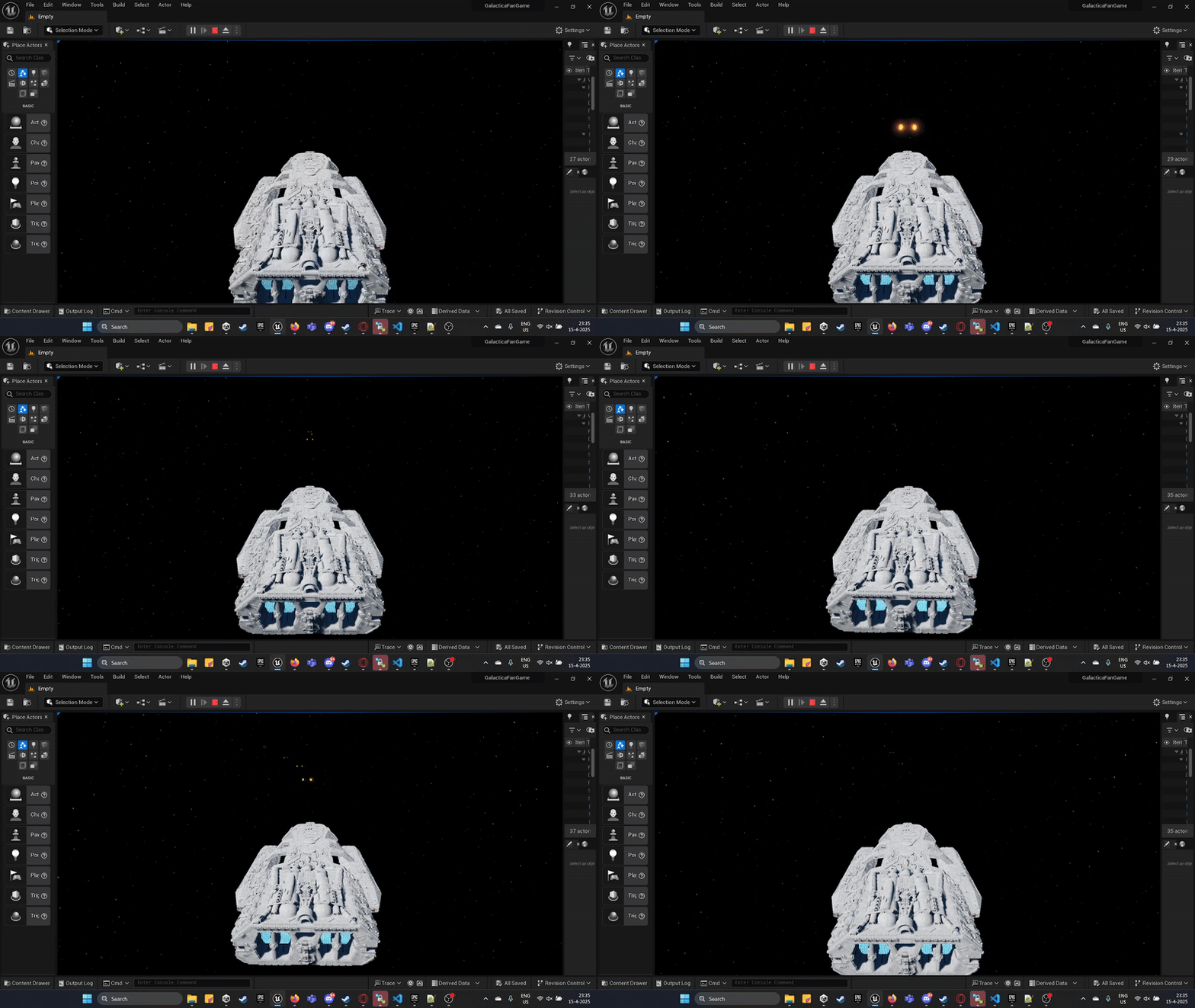
Spaceship Primary Firing System
Handles spaceship weapon firing. On input press, it spawns laser projectiles, plays VFX and SFX, and triggers cooldown logic. Works with object pooling or projectile physics. Fully modular and it can support multiple fire modes. Used in arcade shooters or space combat scenes.
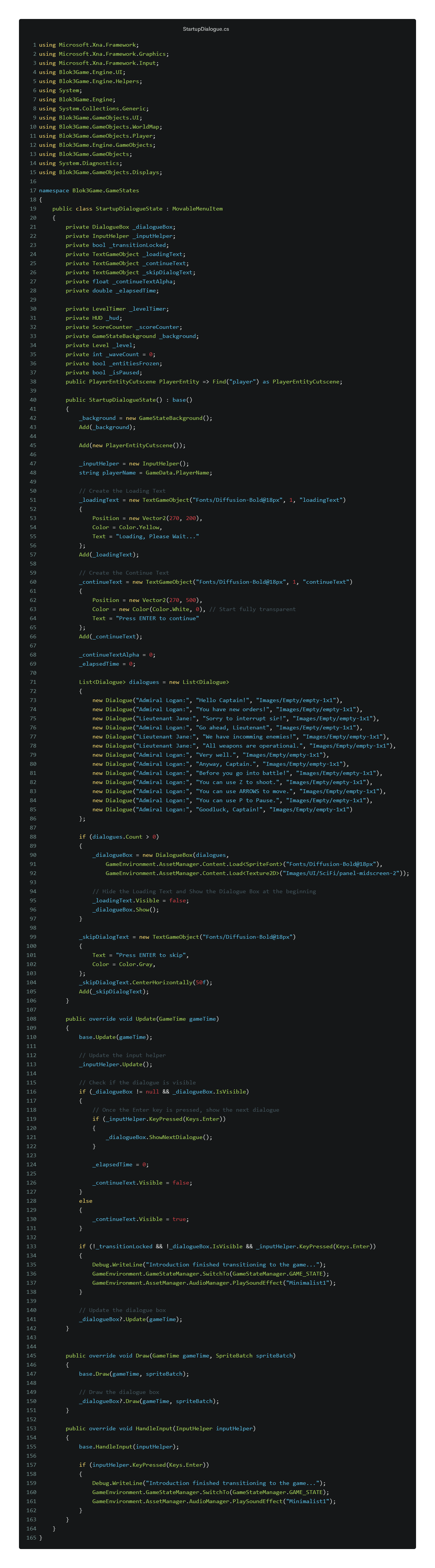
Toggle Lightsaber
A retractable lightsaber effect built using Unreal’s Timeline system. The blade smoothly animates in and out based on player input, syncing sound and light effects.